Book an appointment
What it is for: scheduling time with your firm without back and forth emails.
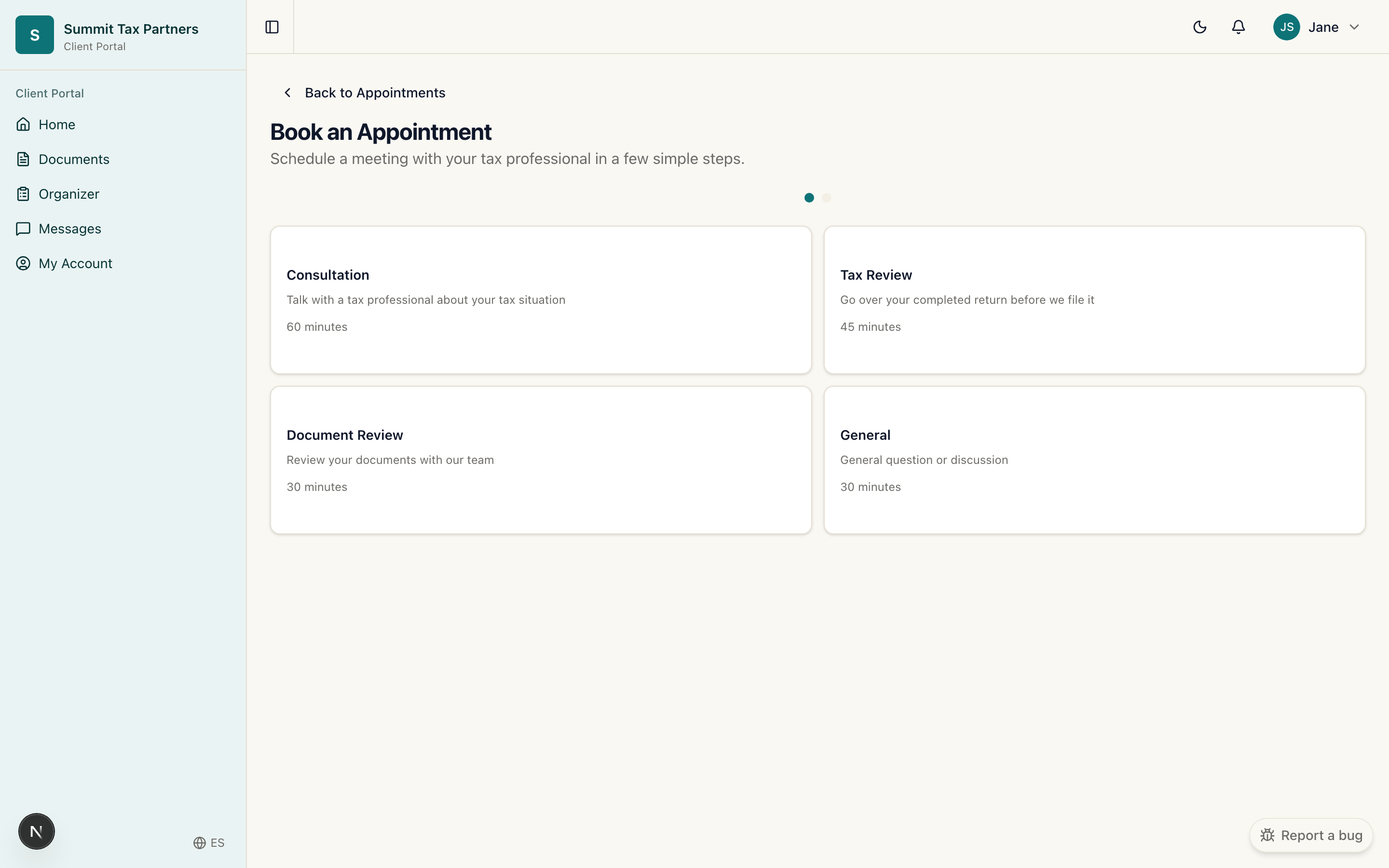
Steps
- Open Appointments from the menu, or use the Book appointment button on your dashboard.
- Choose an available time.
- Confirm the booking. It then shows on your dashboard as your next appointment.
Good to know
- Your dashboard always shows your next upcoming appointment near the top.
- Need to change it? Message your firm and they can help.
Was this helpful?