Invite a client
What it is for: giving each client their own secure login to your branded portal.
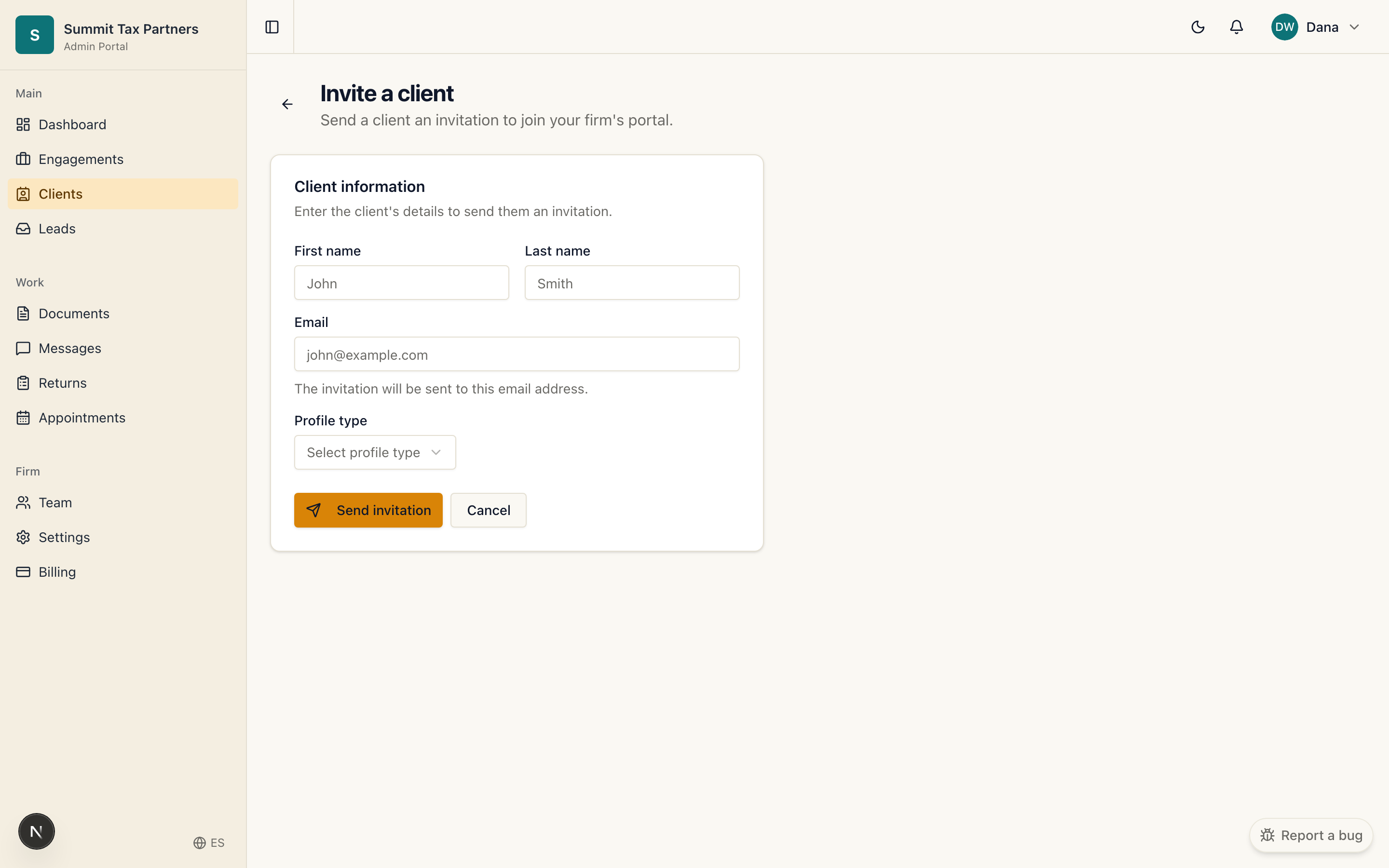
Invite one client
- Open Clients, then choose Invite client.
- Enter the client’s name and email.
- Send the invitation. The client receives an email to set their password and open their portal.
Import many clients
- From Clients, choose Import.
- Upload your list as a spreadsheet following the columns shown on the page.
- Review the import and confirm. Invitations go out to the new clients.
Good to know
- A client only sees your firm and the work you do together.
- If a client says the invitation expired, resend it and a fresh link is created.
Was this helpful?