Message your firm
What it is for: talking to your firm securely, without email. Everything stays attached to your account so nothing gets lost.
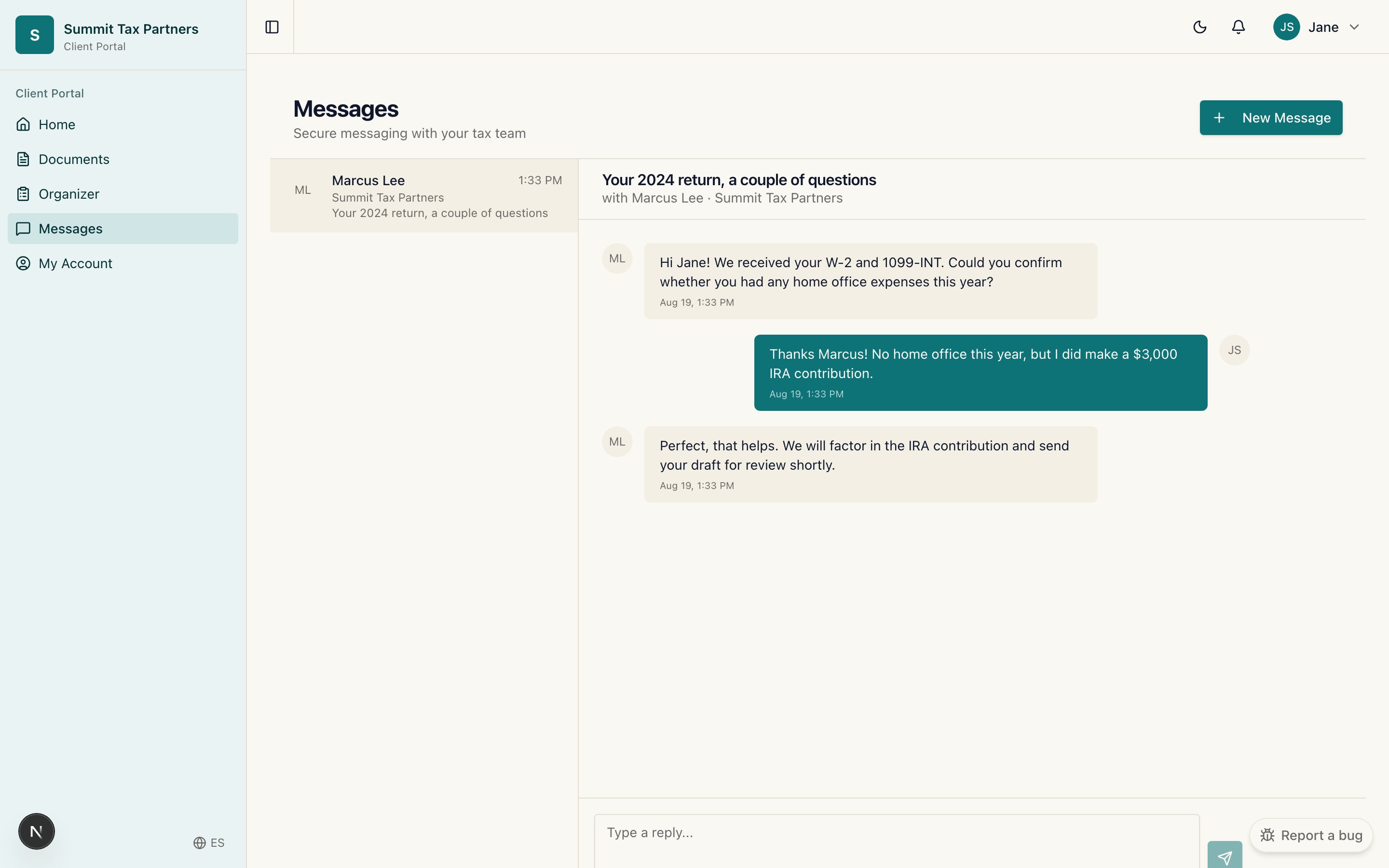
Steps
- Open Messages from the menu.
- To reply, open the conversation and type your message.
- To start a new topic, choose New message, add a subject, and write your note.
- Send it. Your firm is notified, and their reply appears in the same conversation.
Good to know
- You will see a badge when you have unread messages.
- If you work with more than one firm, you only see conversations for the firm you are currently in.
Was this helpful?