Complete your tax organizer
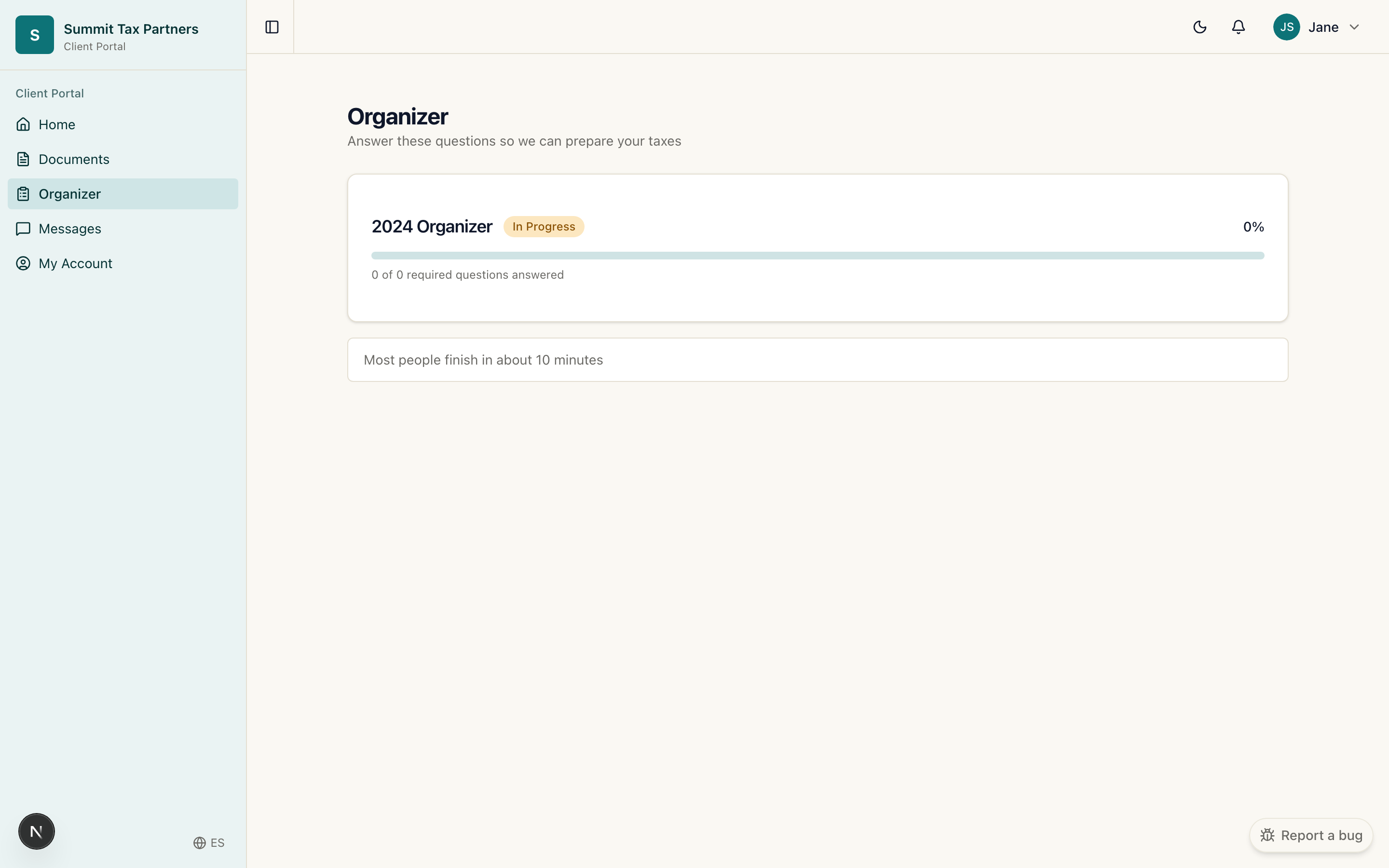
What it is for: the organizer is a guided questionnaire that replaces the old paper checklist. It asks only the questions that apply to your situation, and when you say yes to something, it tells you exactly which document to upload.
Steps
- From your dashboard, open Complete your tax organizer (or open Organizer from the menu).
- Work through each section. Answer the questions about your year: your income, your family and life events, health coverage, and so on.
- When a question applies to you, the organizer asks for the matching document. For example, marketplace health insurance asks for your 1095-A.
- Your answers save as you go. You can stop and come back later without losing anything.
- Watch the progress indicator. When every section is complete, your firm can begin.
Tips
- You do not have to finish in one sitting. Your progress is saved automatically.
- If you are not sure about a question, answer what you can and leave a note for your firm in Messages.
- Bank details for a refund are entered in the organizer and are stored encrypted.
Was this helpful?