Messages
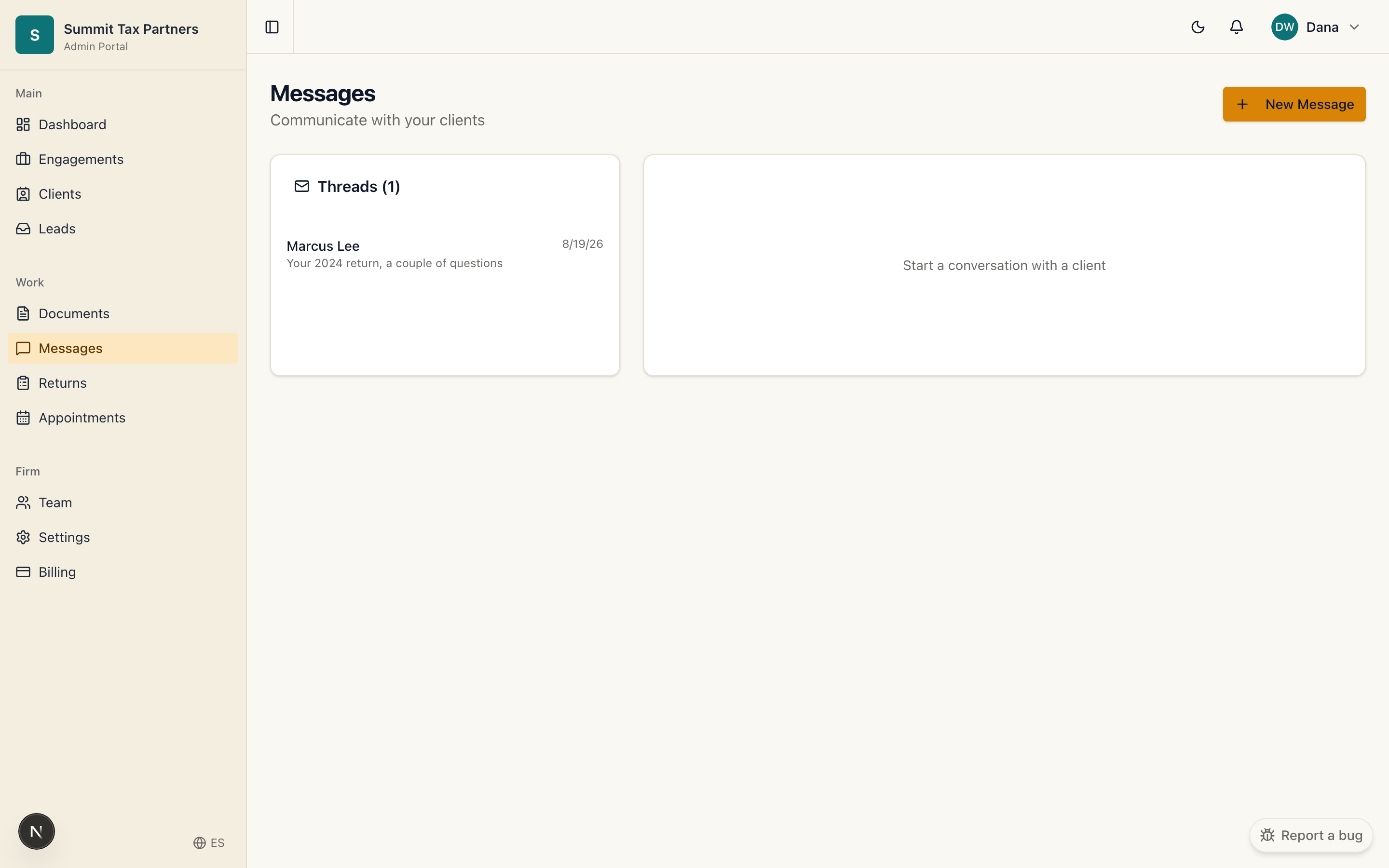
What it is for: secure conversations with clients that stay attached to their engagement, so context is never lost in an inbox.
Steps
- Open Messages to see conversations across your firm, or open a client’s record to message just them.
- Start a new thread with a subject, or reply in an existing one.
- Send. Your client is notified in their portal, and their reply comes back to the same thread.
Good to know
- Every team member on the engagement can see the conversation, so coverage never depends on one person’s inbox.
- Clients only see the firm they are working with.
Was this helpful?