Your account
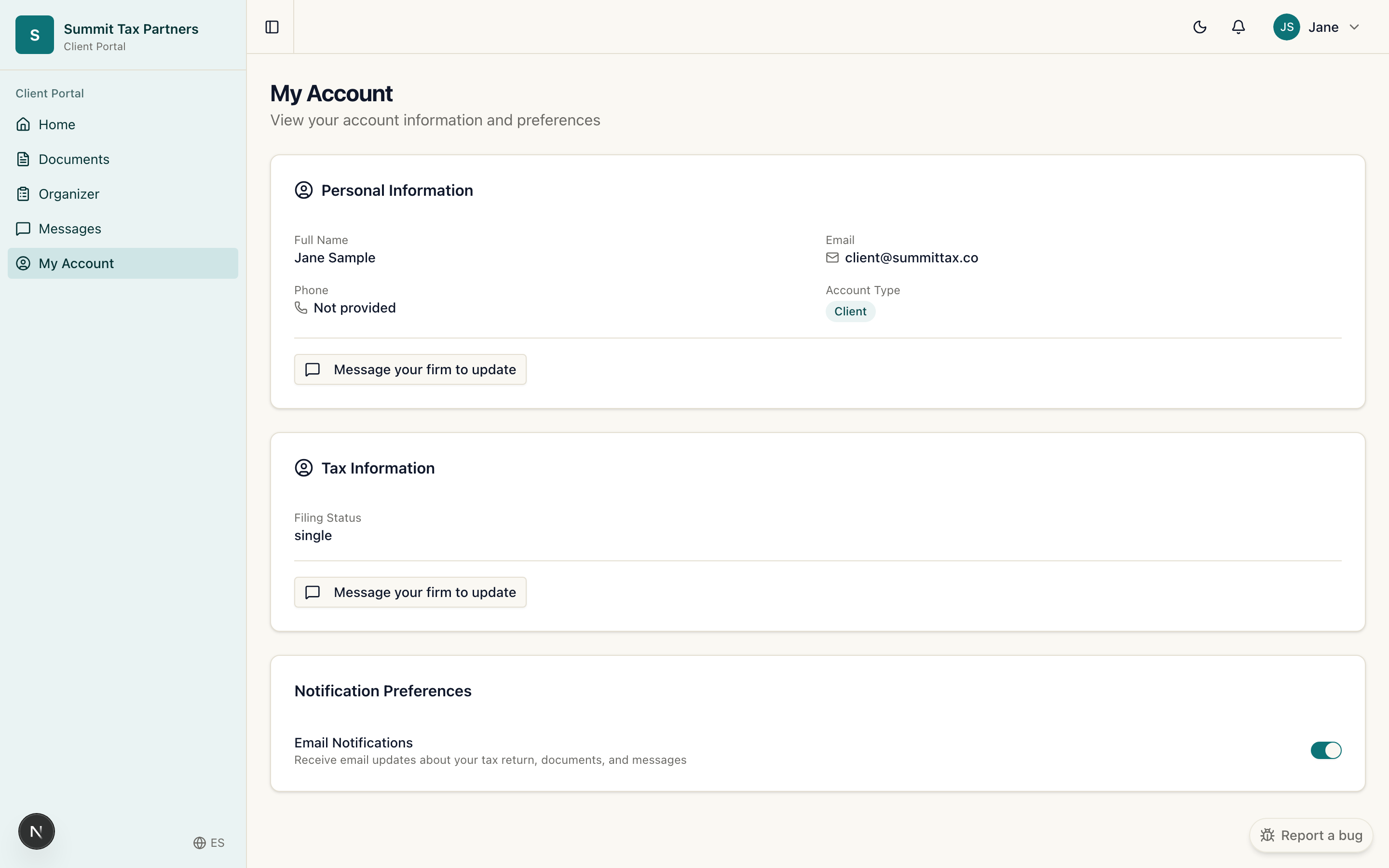
What it is for: keeping your details current and controlling how you sign in.
Steps
- Open Account from the menu.
- Update your name, contact details, and preferences.
- To change your password, use the password option on your account or the “Forgot password” link on the sign in page.
Working with more than one firm
If more than one firm has invited you, you pick which firm you are working in when you sign in. Each firm only sees its own documents and messages, and switching firms keeps everything separate.
Was this helpful?