Your dashboard
What it is for: your home base. The dashboard tells you exactly what to do next so nothing gets missed.
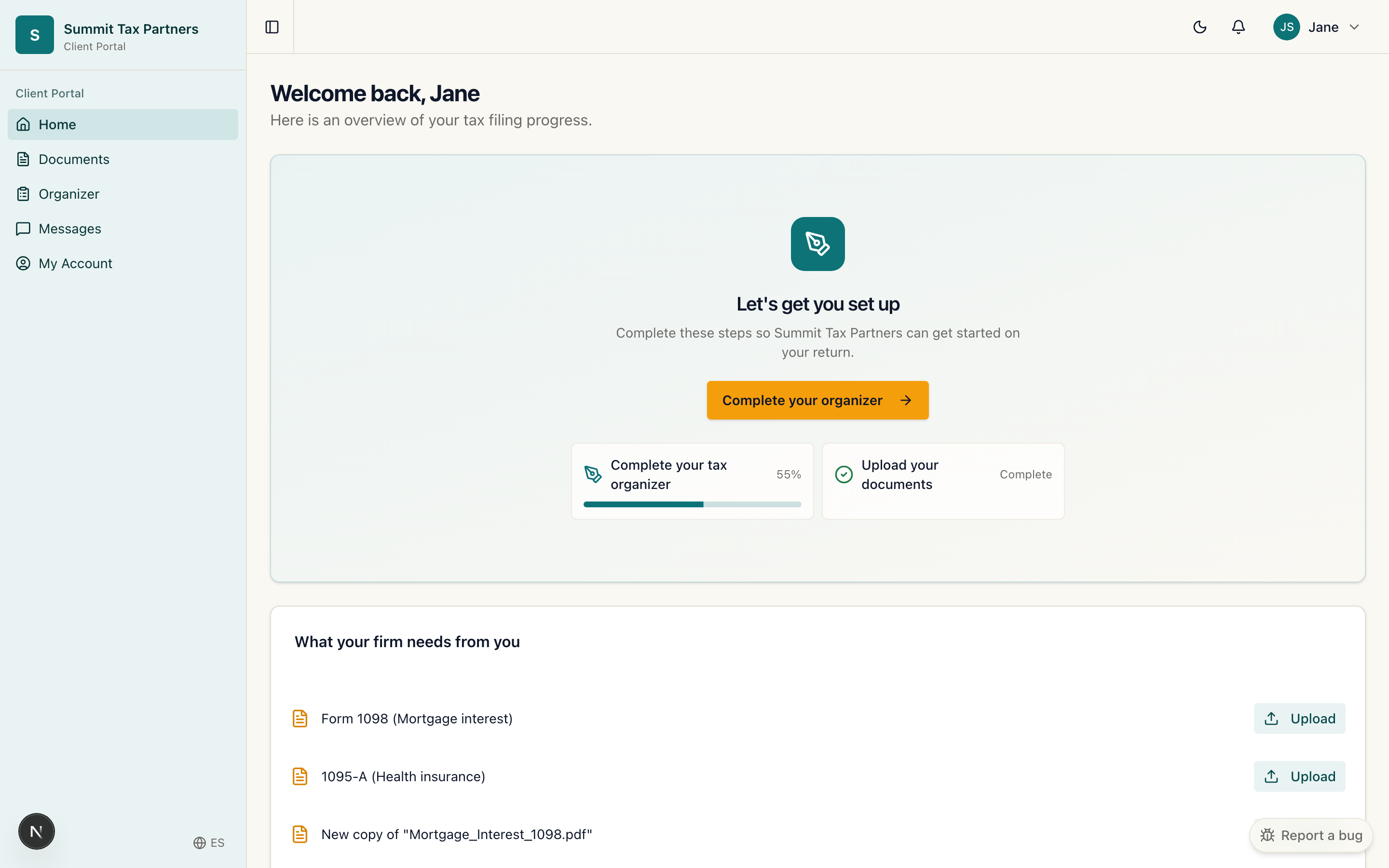
What you will see
- Get set up. When you first join, a card walks you through the two first steps: complete your tax organizer and upload your documents. Each shows your progress so you know what is left.
- What your firm needs. A short list of anything your firm has requested from you, with an upload button next to each item.
- Return status. A pipeline that shows where your return is, from documents gathering to filed.
- Appointments and messages. Quick links to book time with your firm or continue a conversation.
Steps
- Sign in at portal.fairfyn.com.
- If you work with more than one firm, choose the firm you want to work in.
- Follow the “Get set up” card: start with your organizer, then upload documents.
- Check back any time to see your return status and anything new your firm needs.
Was this helpful?