Firm branding
What it is for: your clients see a portal that looks like your firm, from the sign in page through every screen.
Steps
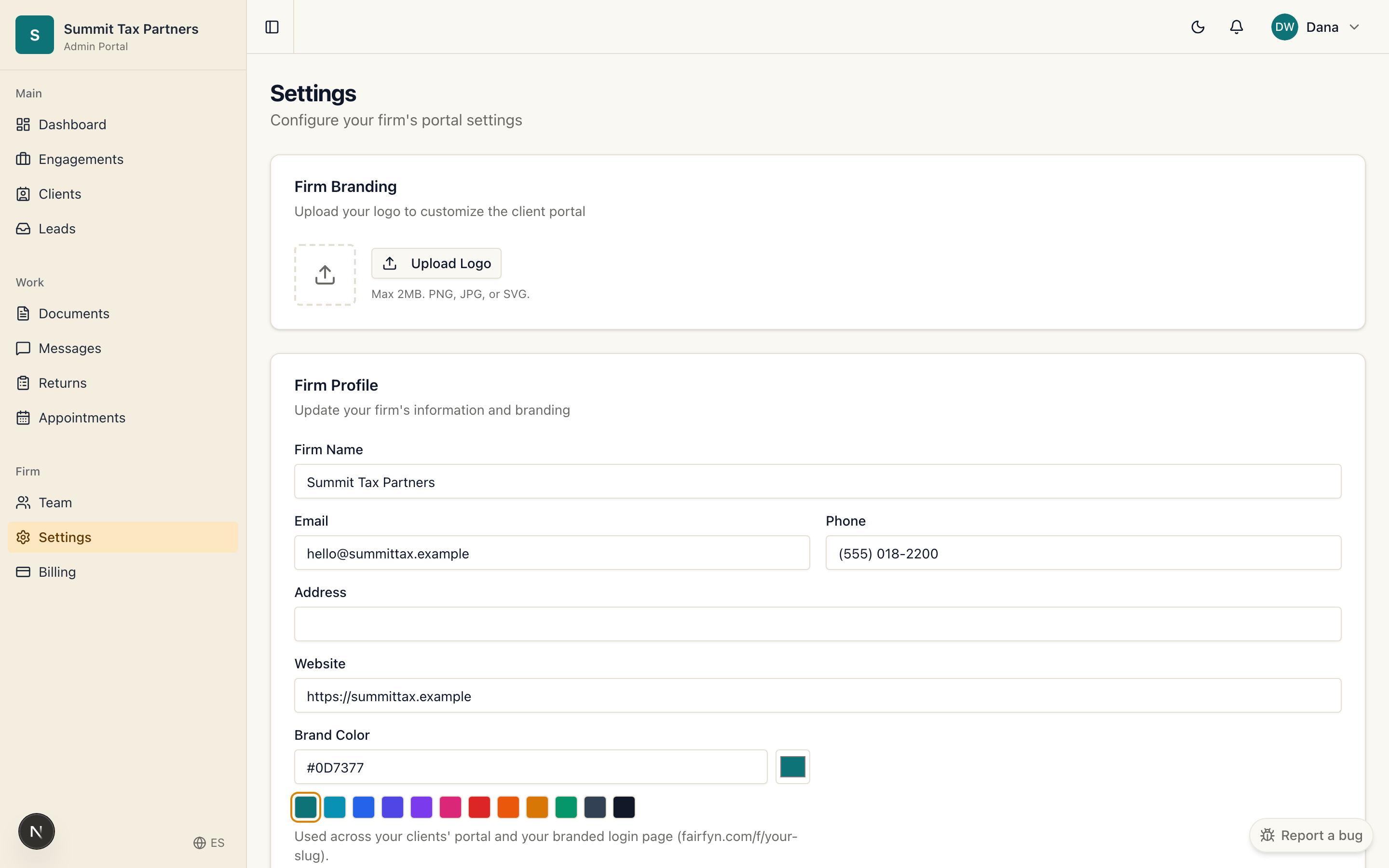
- Open Settings for your firm.
- Add your logo and choose your brand color.
- Save. Your clients’ sign in page and portal now carry your firm’s look.
Good to know
- Branding makes the experience feel like an extension of your practice, which builds client trust.
- You can update your logo or color any time.
Was this helpful?