Engagements and returns
What it is for: one engagement holds a client’s year of work, and the return status keeps everyone honest about where it stands.
Engagements
- Open Engagements to see active work across your firm.
- Select an engagement to see its documents, messages, organizer, and return in one place.
- Accept a new request, or update the engagement as the year progresses.
Move a return forward
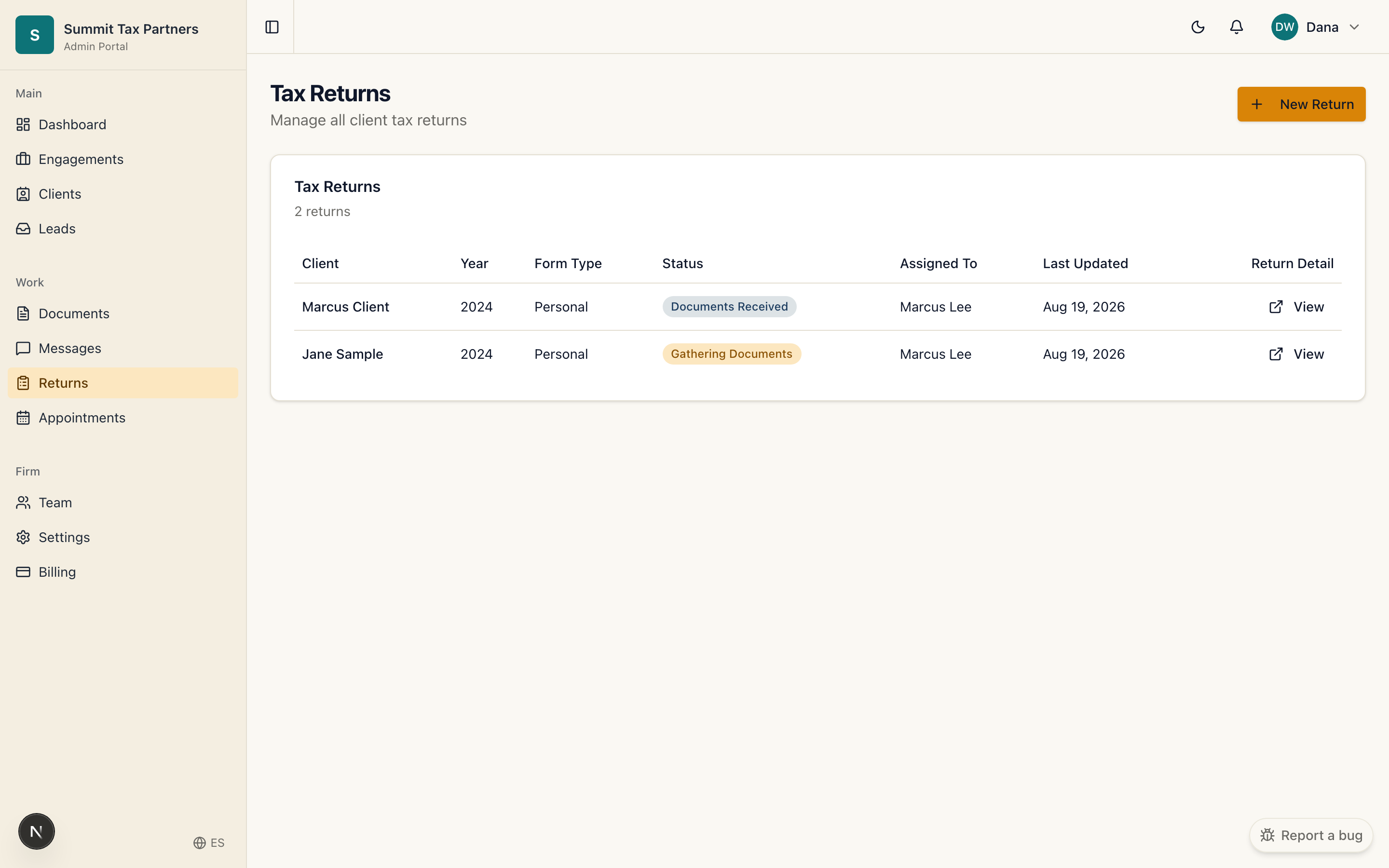
- Open Returns, or the return inside an engagement.
- Update the status as work progresses: documents gathering, in preparation, review, filed.
- The client’s dashboard reflects each change, so they always know the state without asking.
Good to know
- Because the status is shared, “is it done yet?” questions drop away.
- Assign returns to team members so ownership is clear.
Was this helpful?