Team and settings
What it is for: bringing your staff into the firm and configuring how your practice runs.
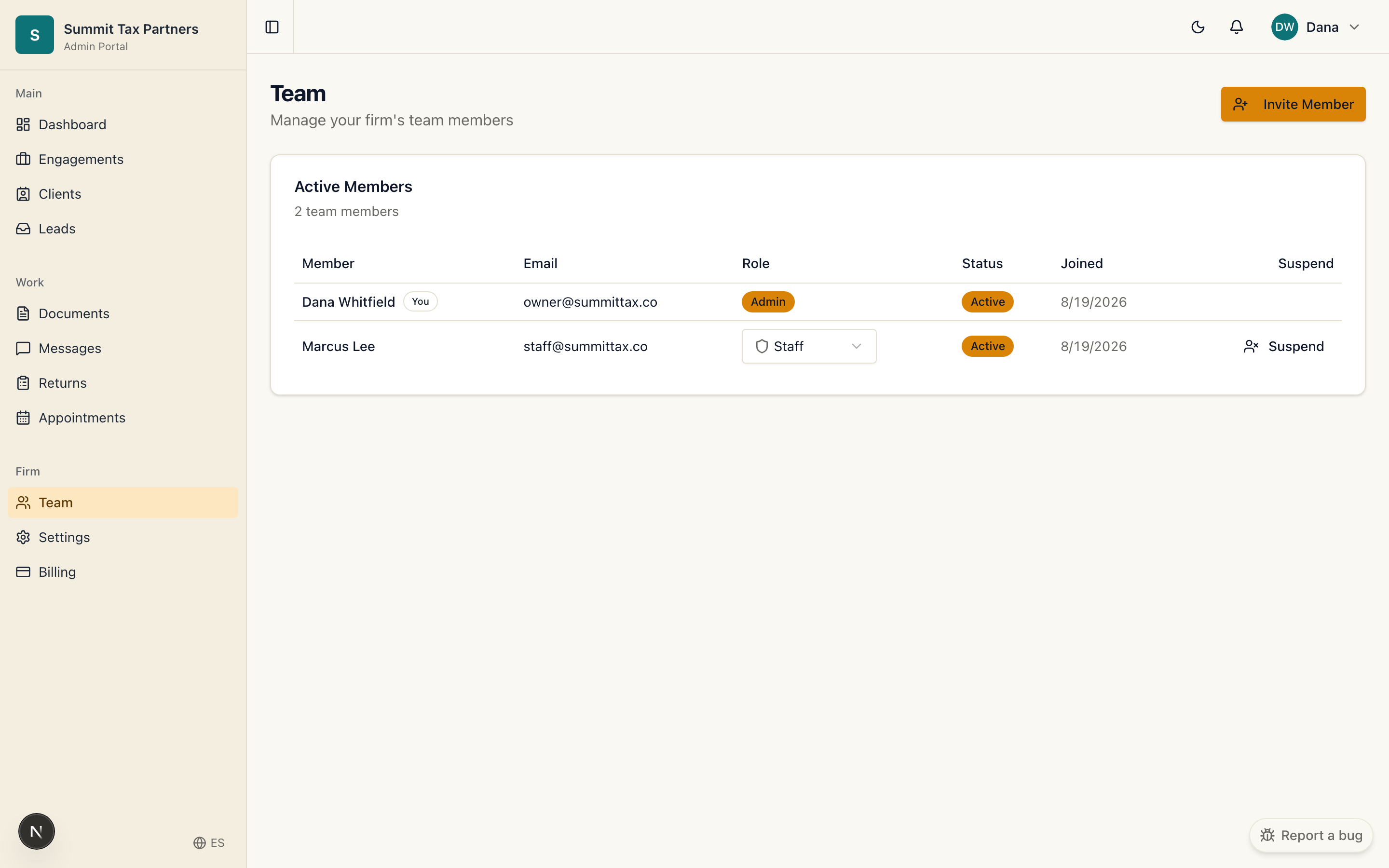
Add a team member
- Open Team.
- Invite a staff member by email and set their role.
- They receive an invitation to join your firm.
Settings
- Open Settings to manage your firm’s configuration.
- Adjust preferences for how your firm operates in the portal.
Roles
- Owner manages the firm, team, and settings.
- Staff work with clients on their assigned engagements.
Was this helpful?